
If a driver has already gone through the onboarding process but you will like to check his MVR to ensure compliance, you can easily go to their profile and pull and MVR from the options shown:
Note: if you are trying to pull a CA or PA License MVR, please email support directly as these two states are pending integration.
Once the request is submitted, it will take up to 1 minute to generate the MVR. Simply refresh the page, and a download link will appear.
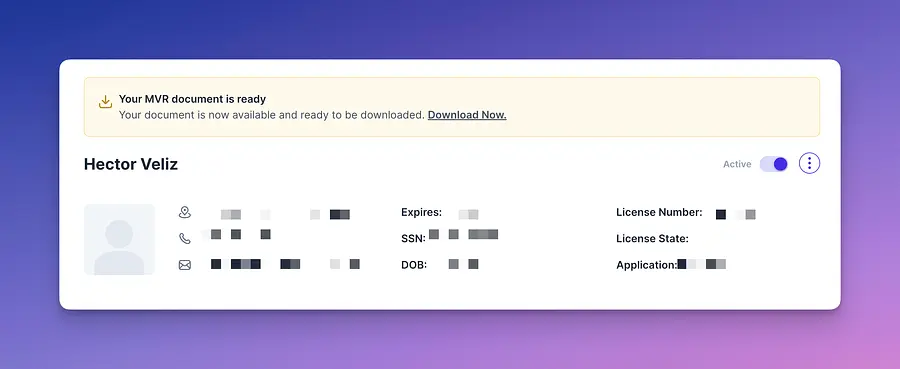
We hope this short guide has provided some guidance in how to obtain an MVR for an applicant.
If you have further questions, do not hesitate to send us an email to support@driverseo.com.