
First, head over to the applicant tab.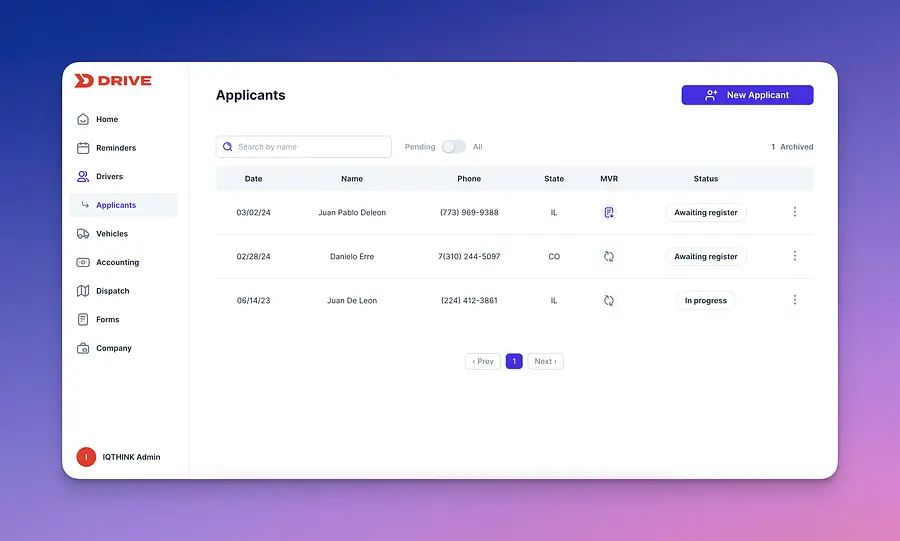
Once on this screen, head over to the "New Applicant" button. You will need to acquire some basic information regarding the applicant in order to continue:
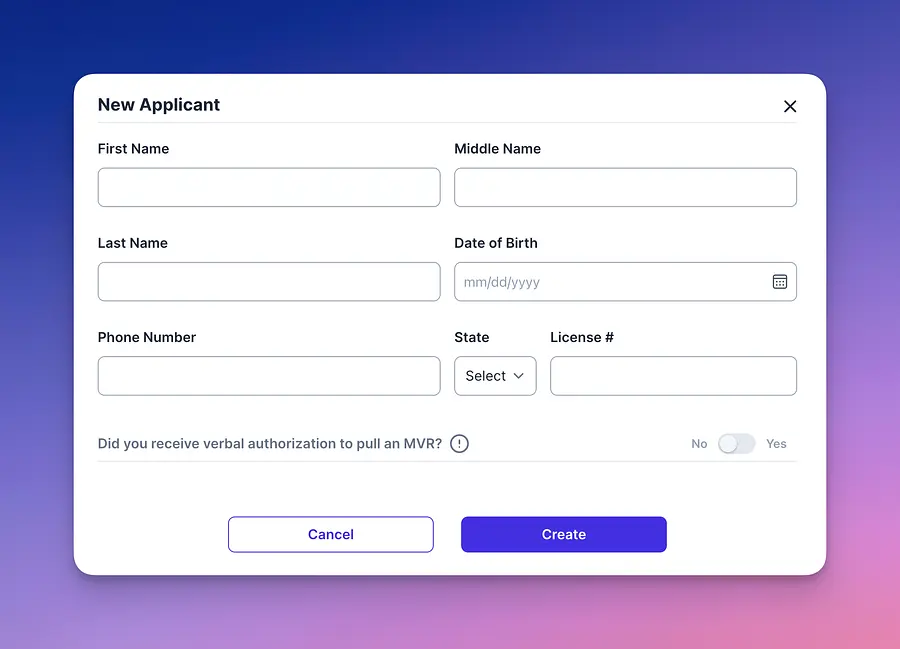
Fill out all the information on screen and then answer the MVR statement selection appropriately.
Once on this screen, head over to the "New Applicant" button. You will need to acquire some basic information regarding the applicant in order to continue:
Fill out all the information on screen and then answer the MVR statement selection appropriately.
Note that in order to obtain an MVR, authorization from the driver in question is a requirement:

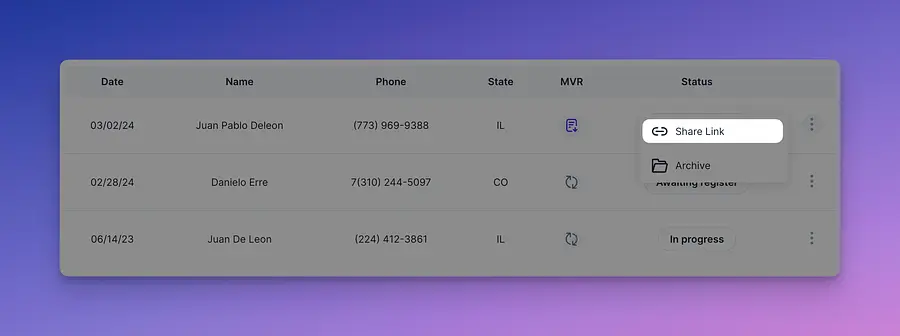
Once you have created the applicant an entry will appear on screen.
Note that an application has not been started. In order to move forward, you will need to send a link to the applicant. More information on this below.
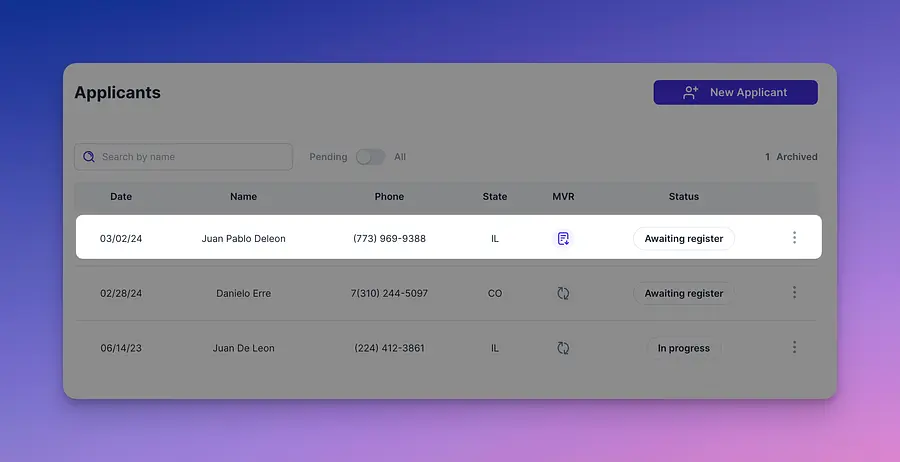
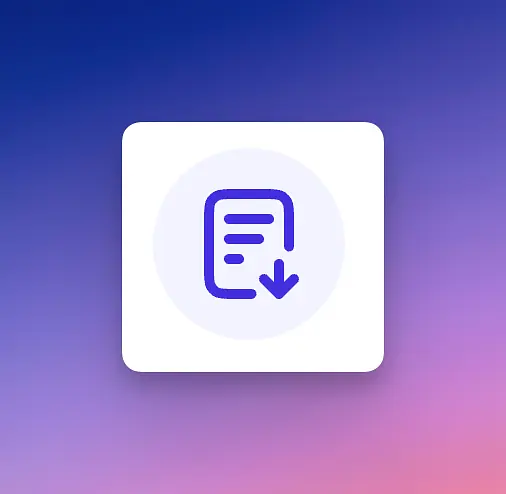
Notice an icon change on screen within a few seconds of submission - you will need to click on the icon as shown below to download a paper copy of the MVR for the applicant.
Now it's time to make a decision. Check against your insurance requirements, consider the question "is this applicant a safe driver?" Remember repeated violations are a sign of bad driving habits and behavior. If you are ready to move forward, select the share link to start the driver onboarding. Your driver will then receive a text with a dedicated link to complete their application.
Note: if you are trying to pull a CA or TN License MVR, please email support directly as these two states are pending integration.
We hope this short guide has provided some guidance in how to obtain an MVR for an applicant.
If you have further questions, do not hesitate to send us an email to support@driverseo.com.