
Each year check the expiration date of the current MVR (One year from the original date the last report was pulled) and make sure to both pull and revise each driver respective MVR for its annual review. To pull an annual MVR see how to pull a MVR (existing driver) section.
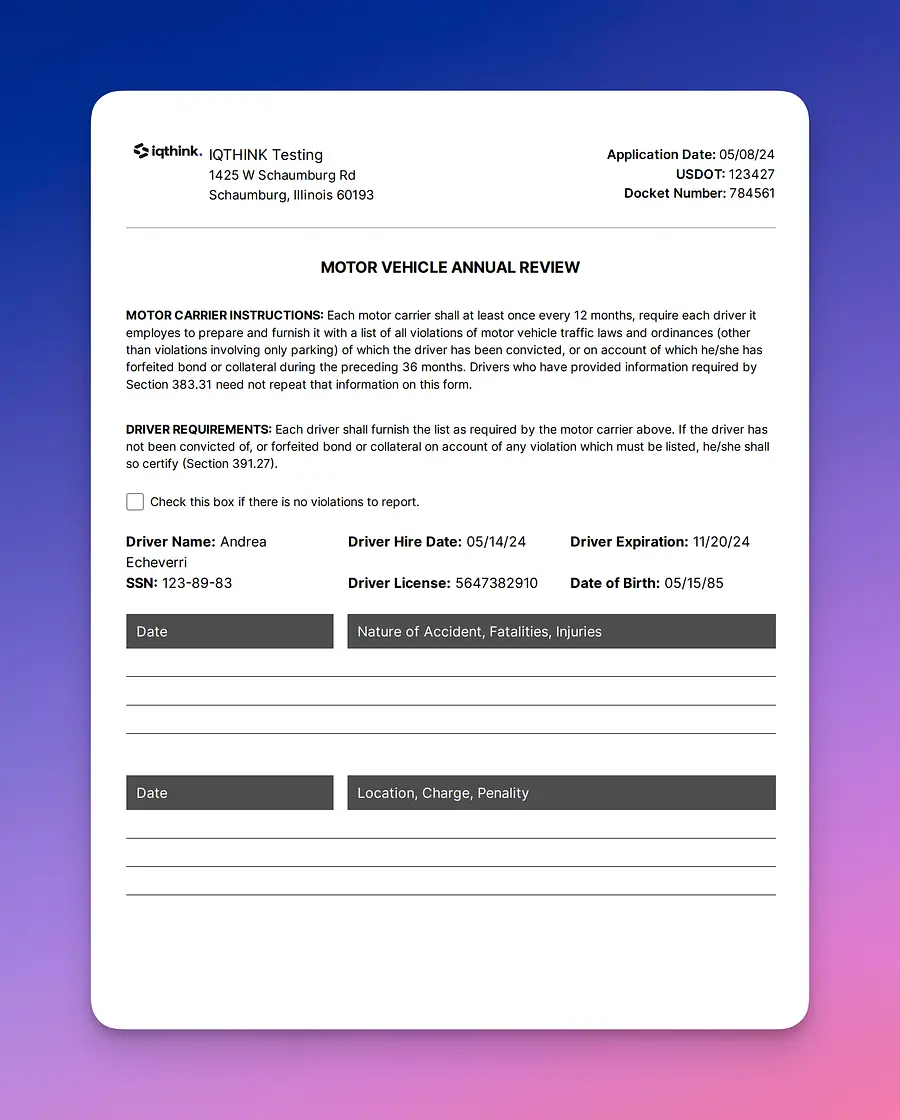
You can easily pull a MVR annual review from our software by heading over to the driver profile and on the form menu selecting "MVR annual review":
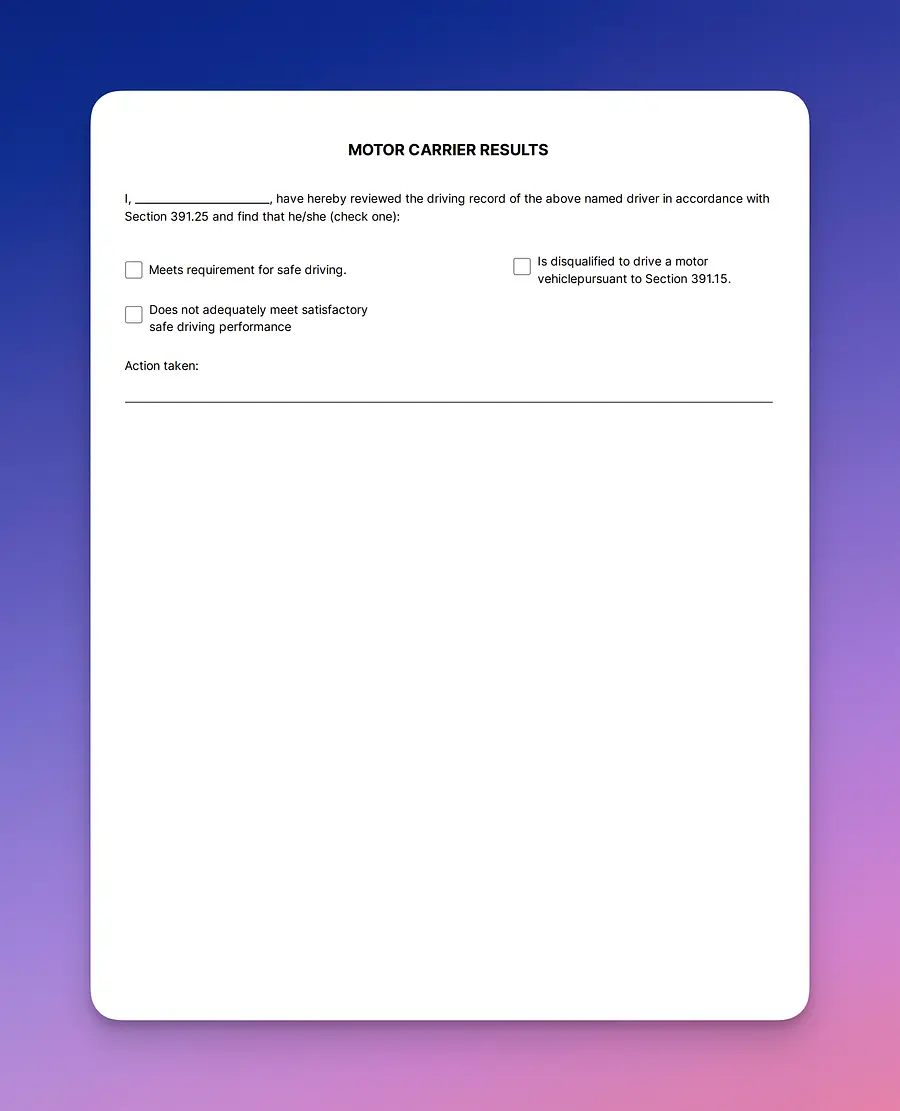
Once you selected it a MVR annual review will formulate. Now, ensure the tester signs and dates. Make a copy if needed, scan and save on the driver's profile.
You can easily pull a MVR annual review from our software by heading over to the driver profile and on the form menu selecting "MVR annual review":
Once you selected it a MVR annual review will formulate. Now, ensure the tester signs and dates. Make a copy if needed, scan and save on the driver's profile.
We hope this short guide has provided some guidance in how to pull a road test certificate. If you have further questions, do not hesitate to send us an email to support@driverseo.com.