Trucks are the bread winners. They enable your company to haul. They also represent a huge portion of your budget. One breakdown and you might be out for months of lost income. Thus, we place a lot of attention to help maintain them. At first look you will find a list of all current active trucks.
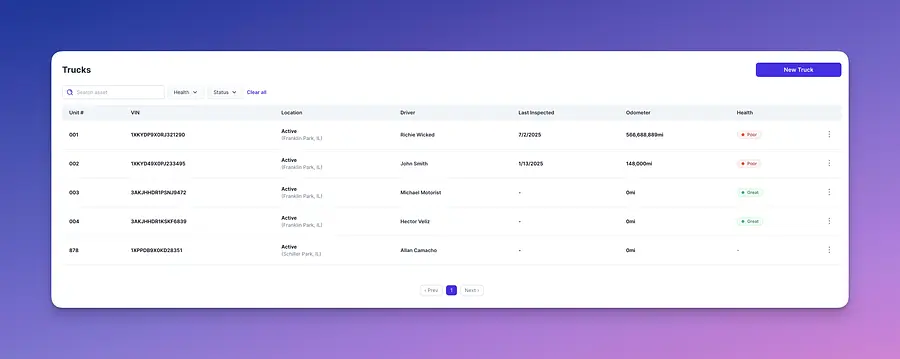
In order to add them head over to the upper right hand and select "new truck"
In order to add them head over to the upper right hand and select "new truck"
On the Base plan, you can add up to 5 trucks. To add more, update your subscription—each additional truck is $25.
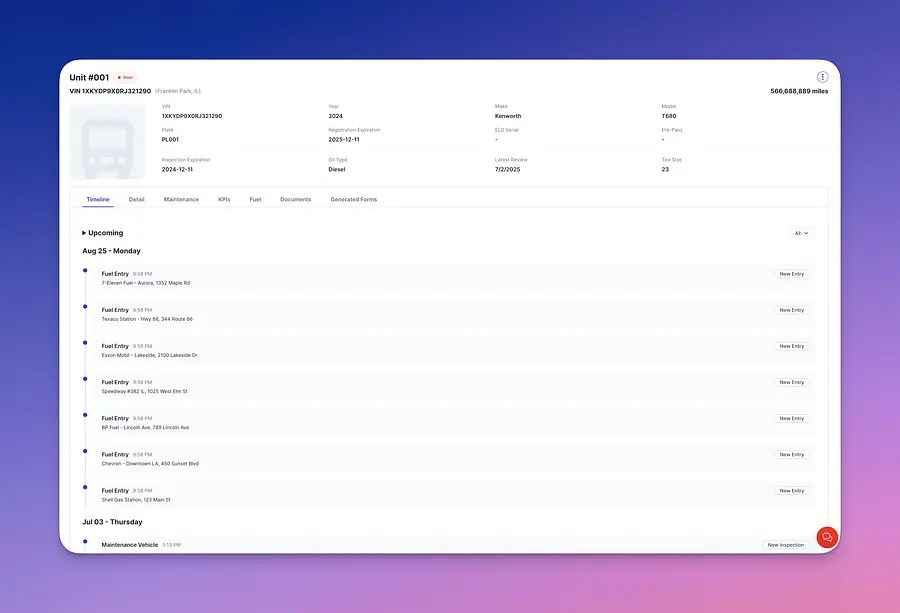
Once a truck is added you will be able to select it and head over to the detail view for the unit. Here you will find a timeline showing a log of what activity has occurred with the unit.
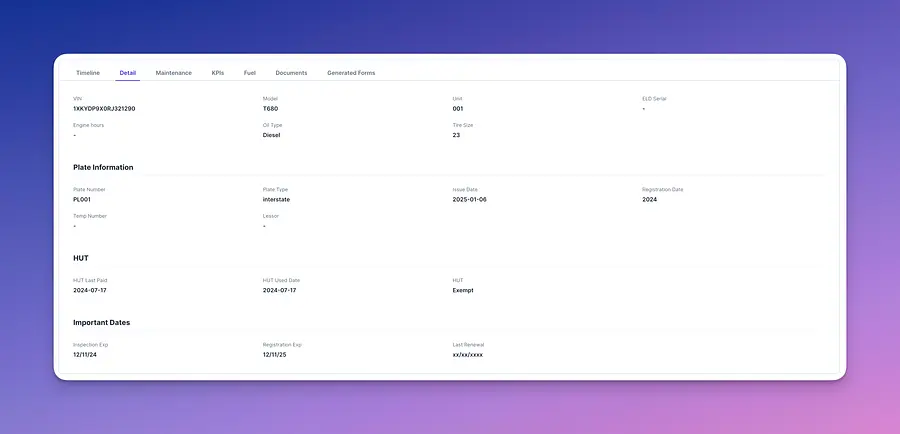
Details will show you more information that has been recorded during the addition of the unit.
Maintenance is divided in two sections schedule and unschedule.
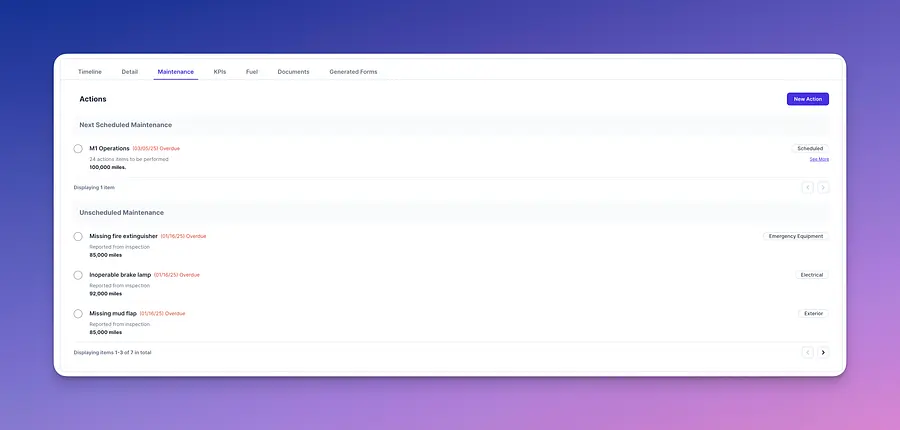
Schedule maintenance is the type you plan out and define by setting up the total amount of miles or a specific date in which the truck is expected to be check for certain known issues due to wear and tear. You can start by selecting the "new action" button on the right hand side.
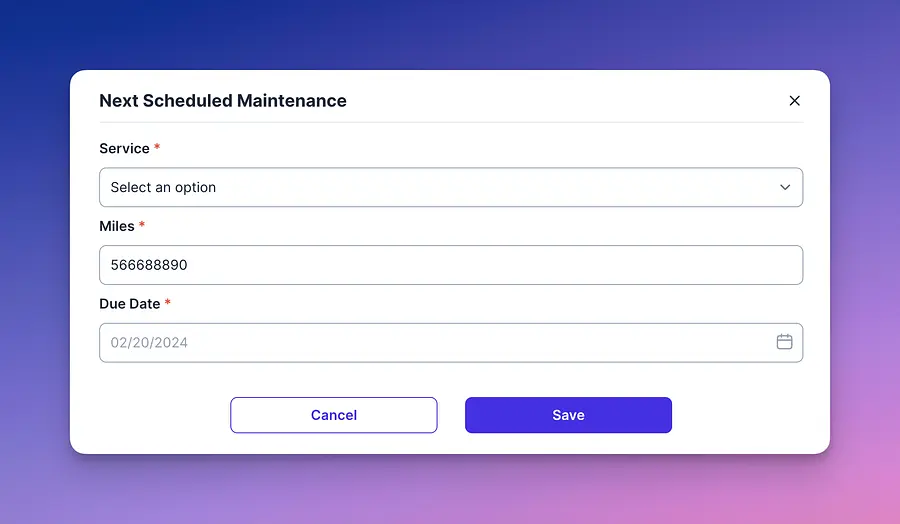
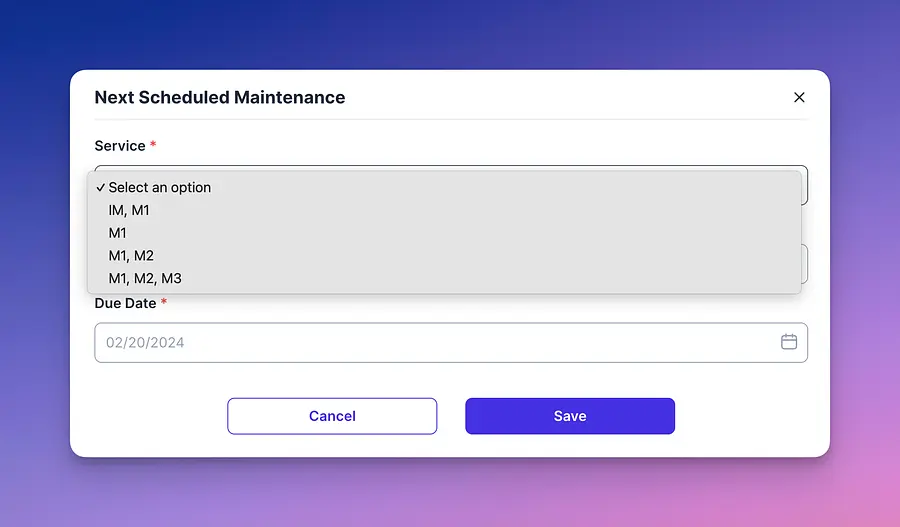
Under Service, you’ll see classifications like IM, M1, M2, and M3. These are just labels for how detailed the inspection is—M3 is the most thorough check a vehicle can get.
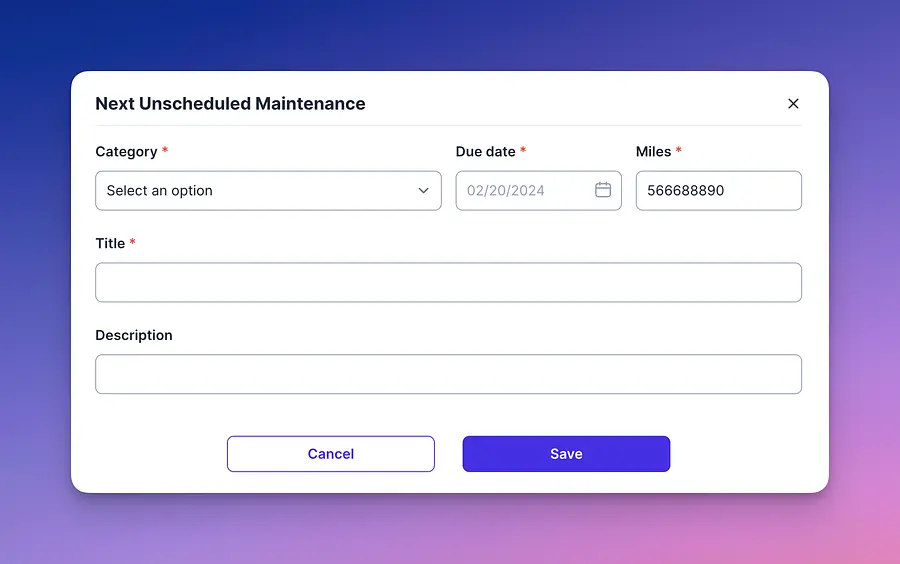
For all other instances of maintenance we classify them as unschedule. These are those that are found over the road by PTI's or by fleet managers. You can create one by selecting unschedule maintenance on the menu option when you select "new action".
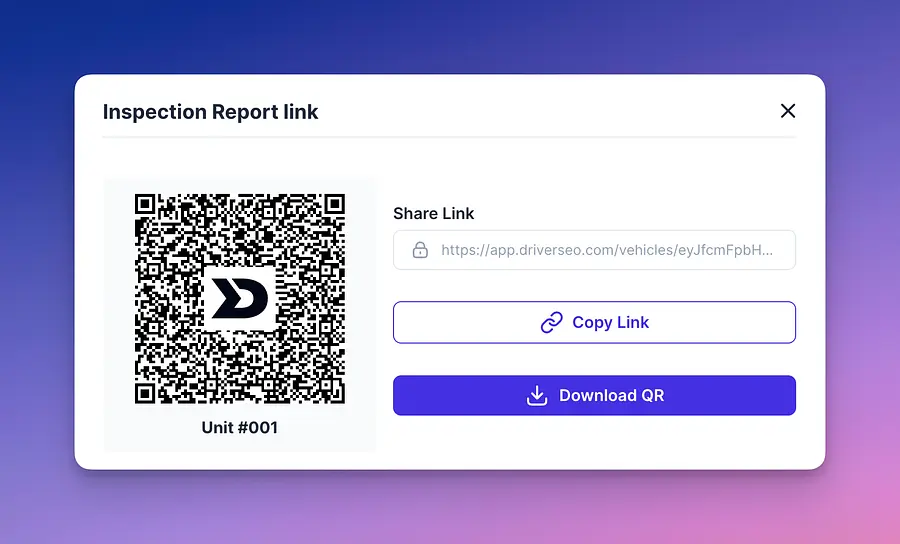
Now for PTIs these are directly linked to unschedule as they represent issues found over the road. This link can be found on the top right hand side of the menu showing you a QR code you can print and place on the unit physically or a link you can share.
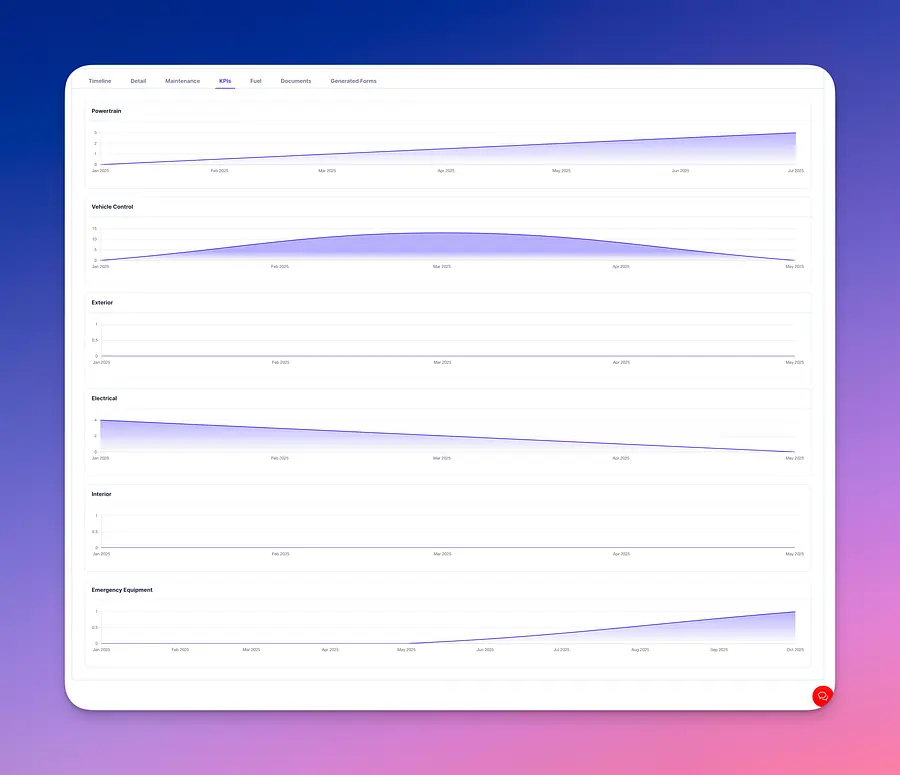
Once there is data being place for your vehicle you will see a display of KPIs section by truck component.
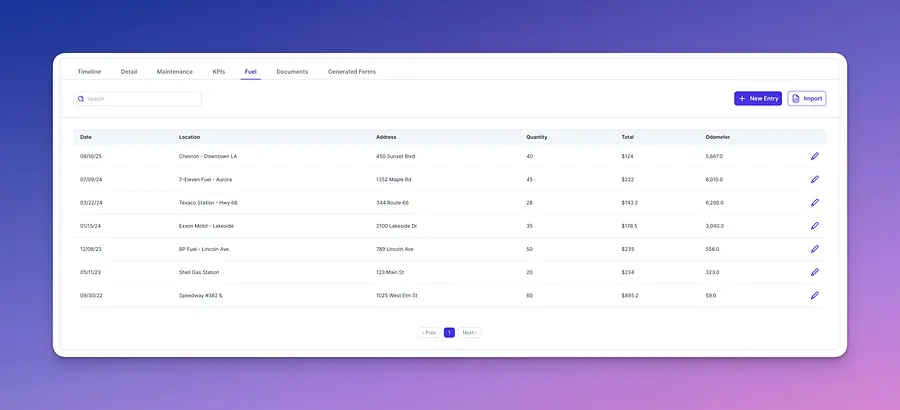
You can also keep track of fuel usage per unit. You can place each by record or import if you utilize a fuel card.
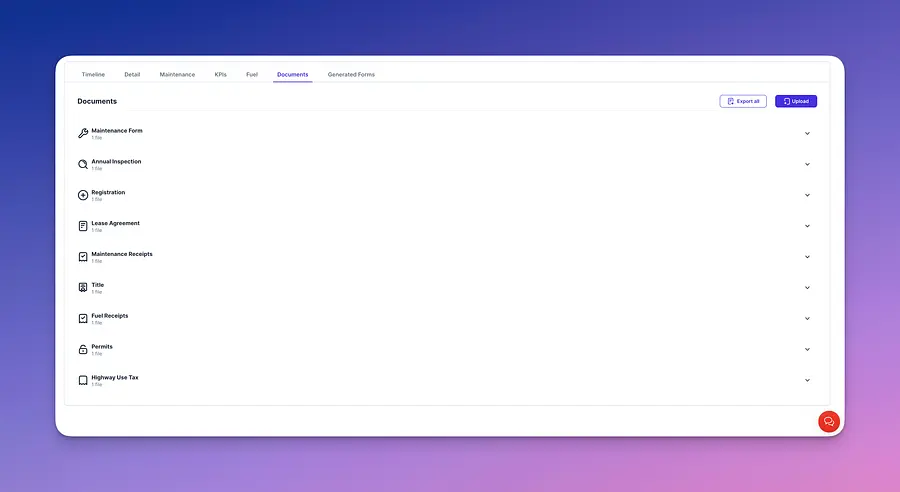
Similar to drivers module you will see all uploaded documentation for the vehicle. Remember the more the system knows about your vehicle the better it will be to assist you.
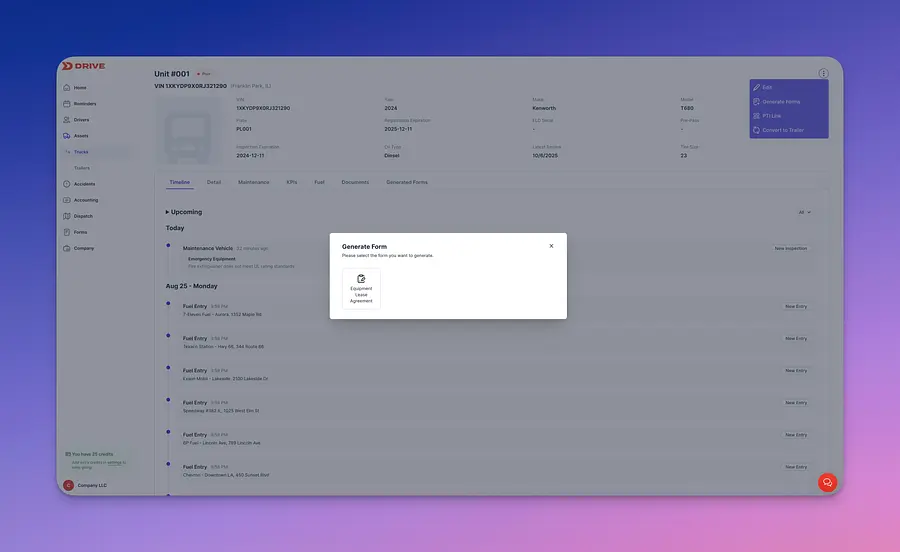
Last but not least, you can generate forms based on the vehicle you selected. Currently the only form available is a short lease agreement. Useful for when you are leasing equipment.